amazon
1 TopicHow to Set Up TELUS TV+ on Amazon Fire TV
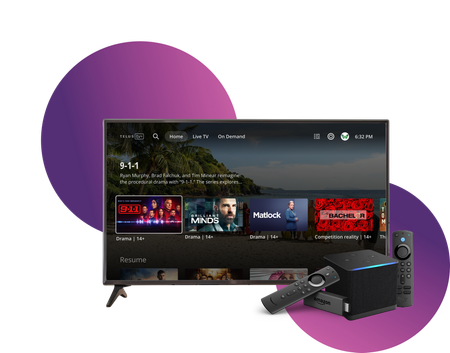
Stream TELUS TV+ content on your Amazon Fire TV devices. Follow these setup instructions to get started. Requirements Active subscription to one of: Optik TV Stream+ Pik TV with live channels Additional requirements: My TELUS or Koodo account Canadian region settings FireOS 6 or higher Installation Steps On your Fire TV device: Open Amazon app store Search for "TELUS TV Plus" Select Install Launch app Sign in using your account credentials Compatible Devices Firestick Fire Cube Fire TV-enabled television sets Available Features Main features: Live TV streaming On-demand content Cloud recordings (with subscription) 4K channel support Service Limitations Some channels require TELUS home internet No On Demand rentals or purchases No Pay Per View events Service available only in Canada Note: For On Demand purchases, use other supported TELUS TV+ devices and watch on Fire TV. When to Contact TELUS Contact TELUS support if you experience: Installation issues Login problems Content accessibility questions Streaming quality concerns Subscription verification needed Version FR3.2KViews0likes0Comments